LinkedIn Profile Scrapers in 2026: Three Architectures, One Decides Your Account Risk
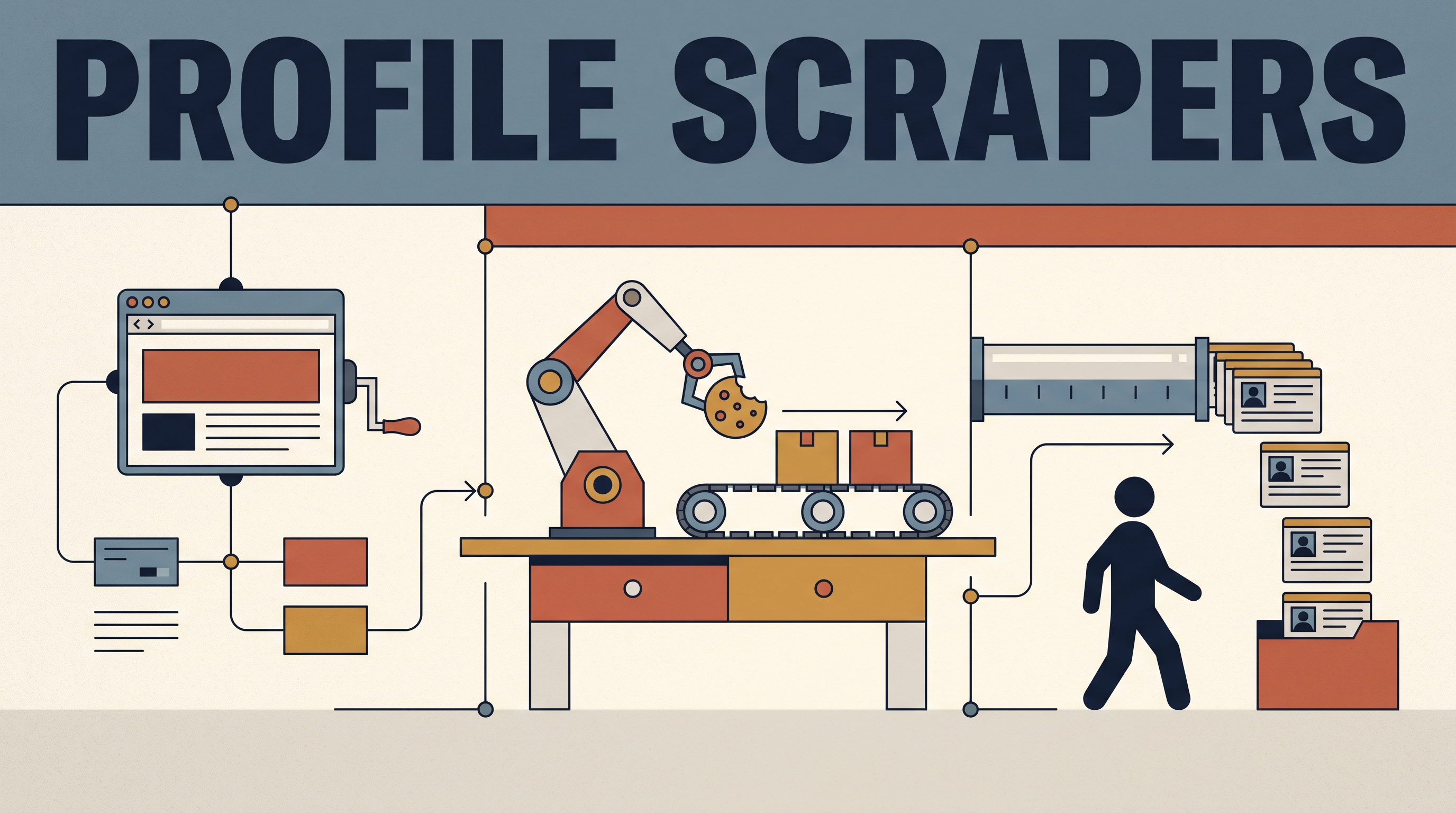
Every LinkedIn profile scraper on the market is one of three machines: a browser extension that rides your own logged-in session, a cloud automation that borrows your account cookies, or an account-less API that reads public pages from its own infrastructure. Which machine you pick decides your risk, your ceiling, and your unit price, and since we build the third kind, you already know which way this page leans. The distinctions below are real anyway, and they are checkable from any search results page.
Key takeaways
- The three scraper architectures differ mainly in whose LinkedIn account does the reading: yours in the browser, yours in the cloud, or nobody’s.
- The market advertises the difference itself: top Apify listings compete on the words “No Cookies” and “No cookie required”, because buyers learned what cookie-based tools cost them.
- Account-based scraping puts a rate limit and a ban risk on the exact account your job may depend on.
- Account-less APIs price per result and scale past any one account’s ceiling, which is the segment we sell in, so weigh our take accordingly.
What does a LinkedIn profile scraper actually do?
It turns a profile URL into structured data: name, headline, title, company, location, experience, and whatever else the page exposes, returned as JSON or a spreadsheet instead of pixels. Inputs are usually a list of profile URLs or a search query; output is the same fields at scale.
The definition is the boring part. The consequential part is how the tool gets to the page, because LinkedIn does not offer an open profile API and actively defends against automated reading. Every scraper is an answer to that defense, and there are only three answers in circulation.
Which type of scraper risks your LinkedIn account?
The two that use one. Browser extensions run inside your session, so every page they pull is attributed to you, at human speed if you are careful and at bot speed if you are not. Cookie-based cloud automations go further: you hand over your session cookie, and a data center replays it around the clock, which produces exactly the access pattern LinkedIn’s defenses are built to catch.
The failure mode is not hypothetical, it is priced into the product language. Restriction-wary buyers pushed the market so hard that scraper listings now lead with the safety claim in the title, like the Apify actor advertising itself as a mass profile scraper with no cookies required. When a category’s top sellers compete on not needing your account, the category has told you where the bodies are buried. That leaves the question of what the account-less kind trades away.
How do account-less scraper APIs work?
They read public profile pages from their own fleet of sessions and proxies, so nothing is attributed to you. You send a URL, the vendor absorbs the cat-and-mouse of blocks and layout changes, and you get JSON back with a per-result bill. No extension, no cookie handoff, no seat.
The trade-offs are real: public pages only, so no data that requires being logged into your network, and typically no emails or phone numbers. Coverage of a given field is whatever the public page shows on the day of the call. What you gain is the operational property the other two architectures cannot offer: the scraping scales with the vendor’s infrastructure instead of with the number of LinkedIn accounts you are willing to risk.
The price comparison only works per record
Extensions look free and cost you in time and account risk; cookie automations charge subscriptions per seat or per slot; APIs publish per-result rates. The only way to compare them is to divide everything by records retrieved. Roundups already do this instinctively: one Apify-ecosystem guide ranks the best LinkedIn scrapers as a field of 5 actors compared head-to-head on price per 1,000 results, not on subscription tiers.
On that axis our own listing is public: $6 per thousand profiles found, charged only on results. We put the number in this post for the same reason we put our bias in the first paragraph: a pricing claim you can check beats an adjective.
Which LinkedIn profile scraper should you pick?
Match the machine to the job, not the marketing. Our earned opinion from running the infrastructure: if losing your LinkedIn account would hurt more than the data is worth, never scrape with anything that touches that account. That one rule eliminates most of the market for most professionals.
- Use a browser extension if you need a few dozen profiles occasionally and accept manual pacing on your own session.
- Skip Atomus if you need emails or phone numbers attached, or your workflow depends on logged-in data like open InMail status; cookie-based tools genuinely serve those, at the account risk described above.
- Use an account-less API if profile fields at volume are the job and you want the risk on the vendor’s accounts, not yours. That is our segment, and the fit is narrow and real.
Architecturally, a profile scraper is one input into the data layer of a GTM stack: it supplies the freshness that database-driven lead enrichment cannot, and it slots into orchestrators the way any data provider does. Pick the architecture first, the brand second, and check every vendor’s per-record price and account requirements yourself, starting with ours.